Non-disclosure agreement (NDA)
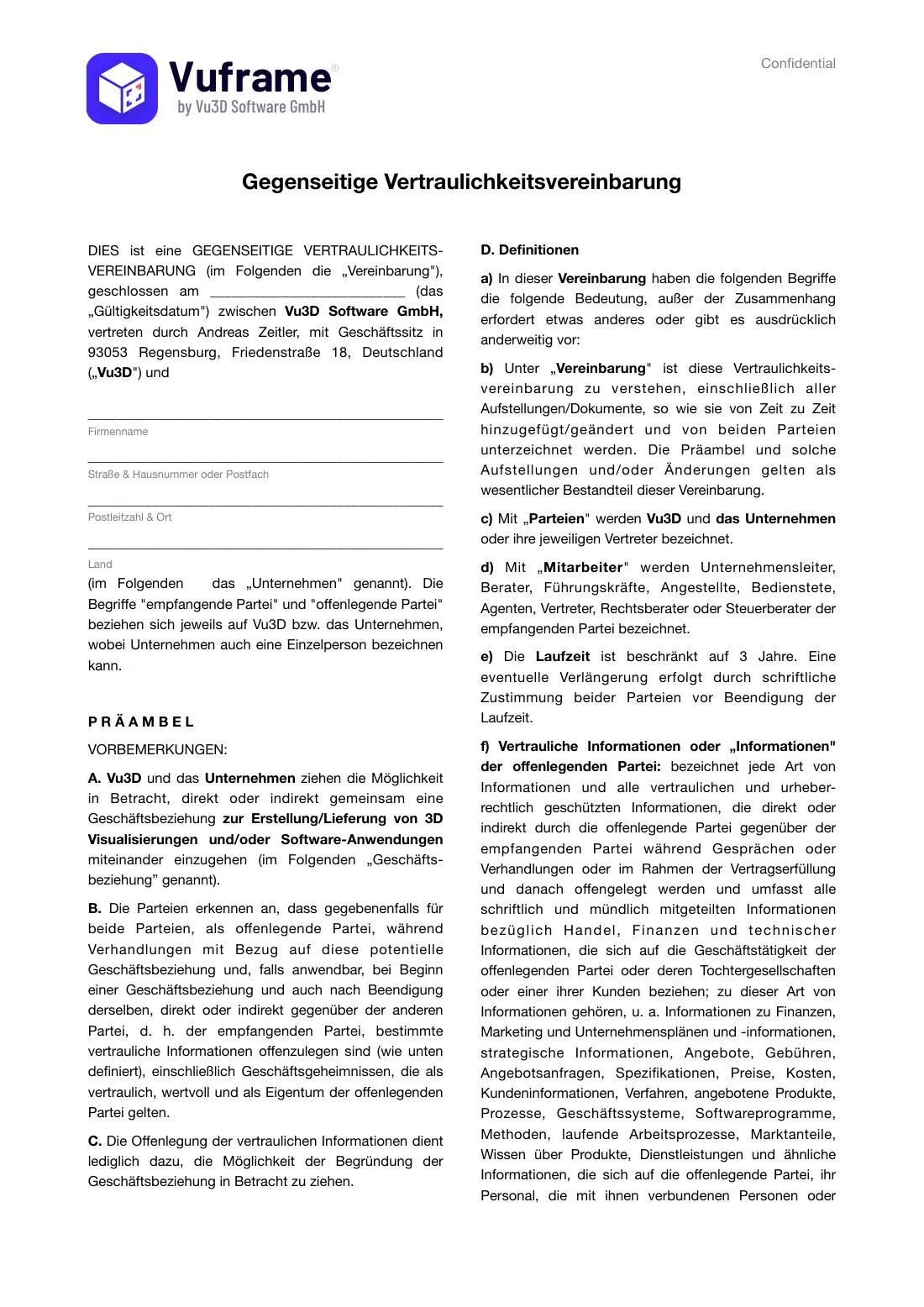
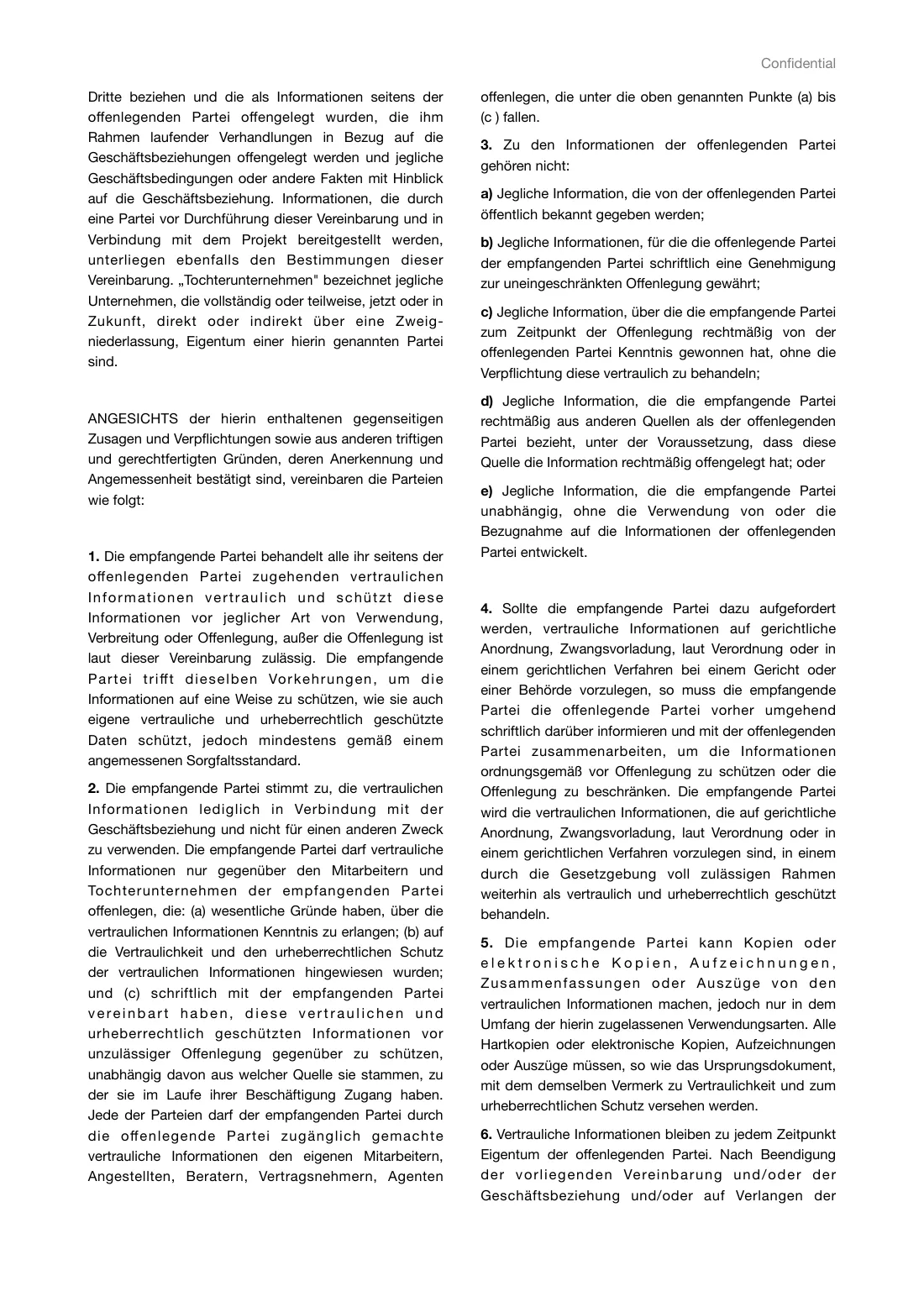
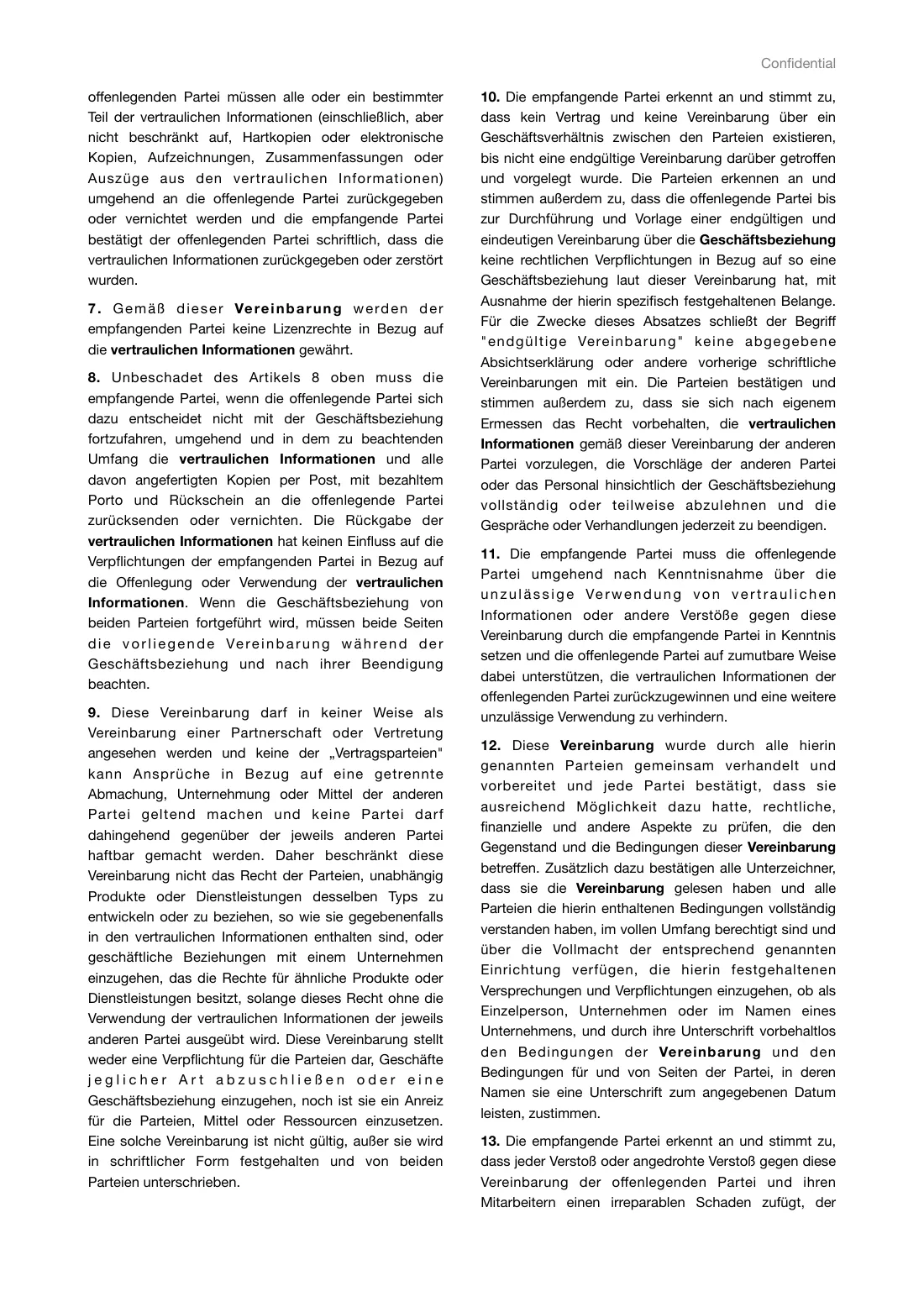
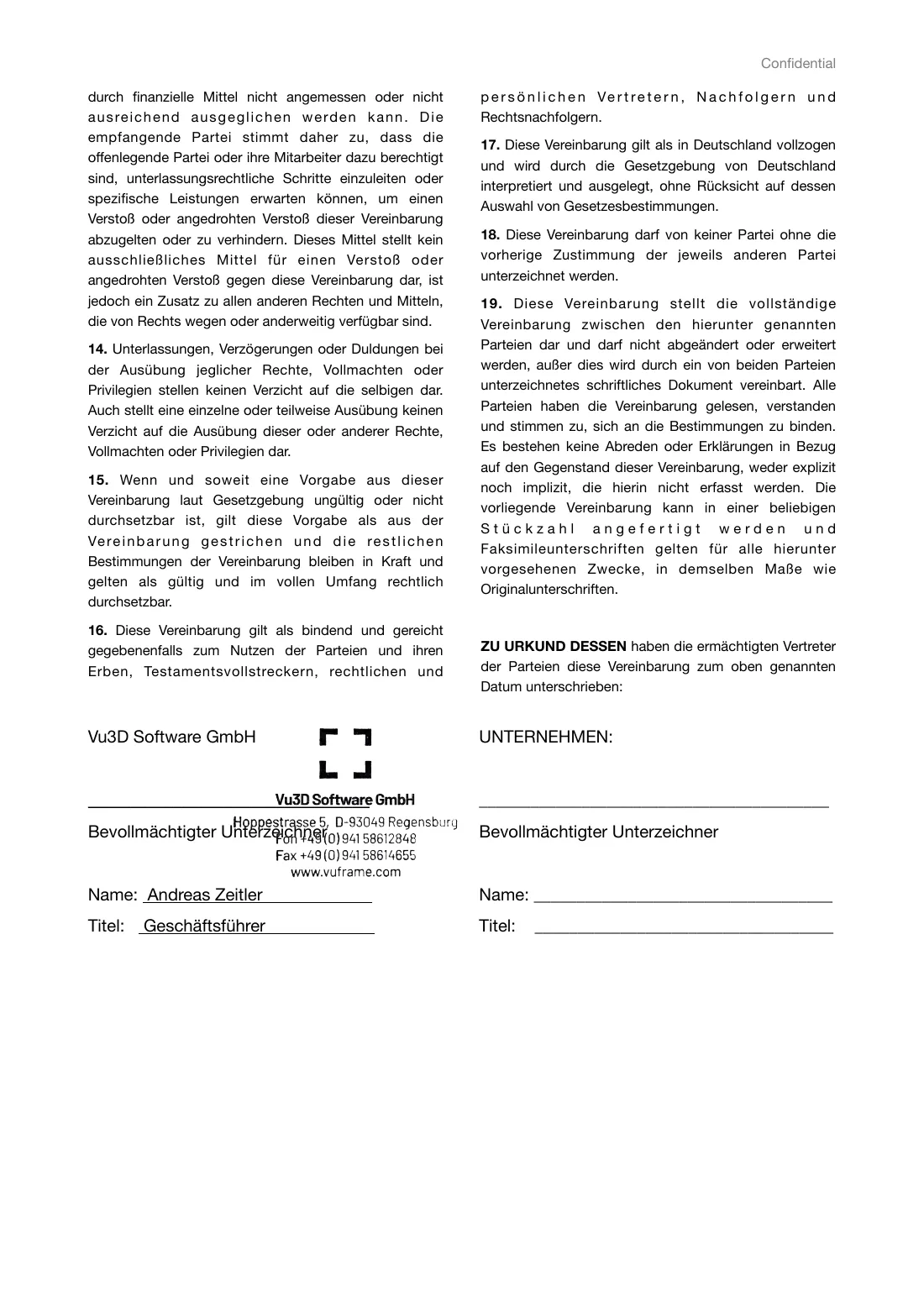
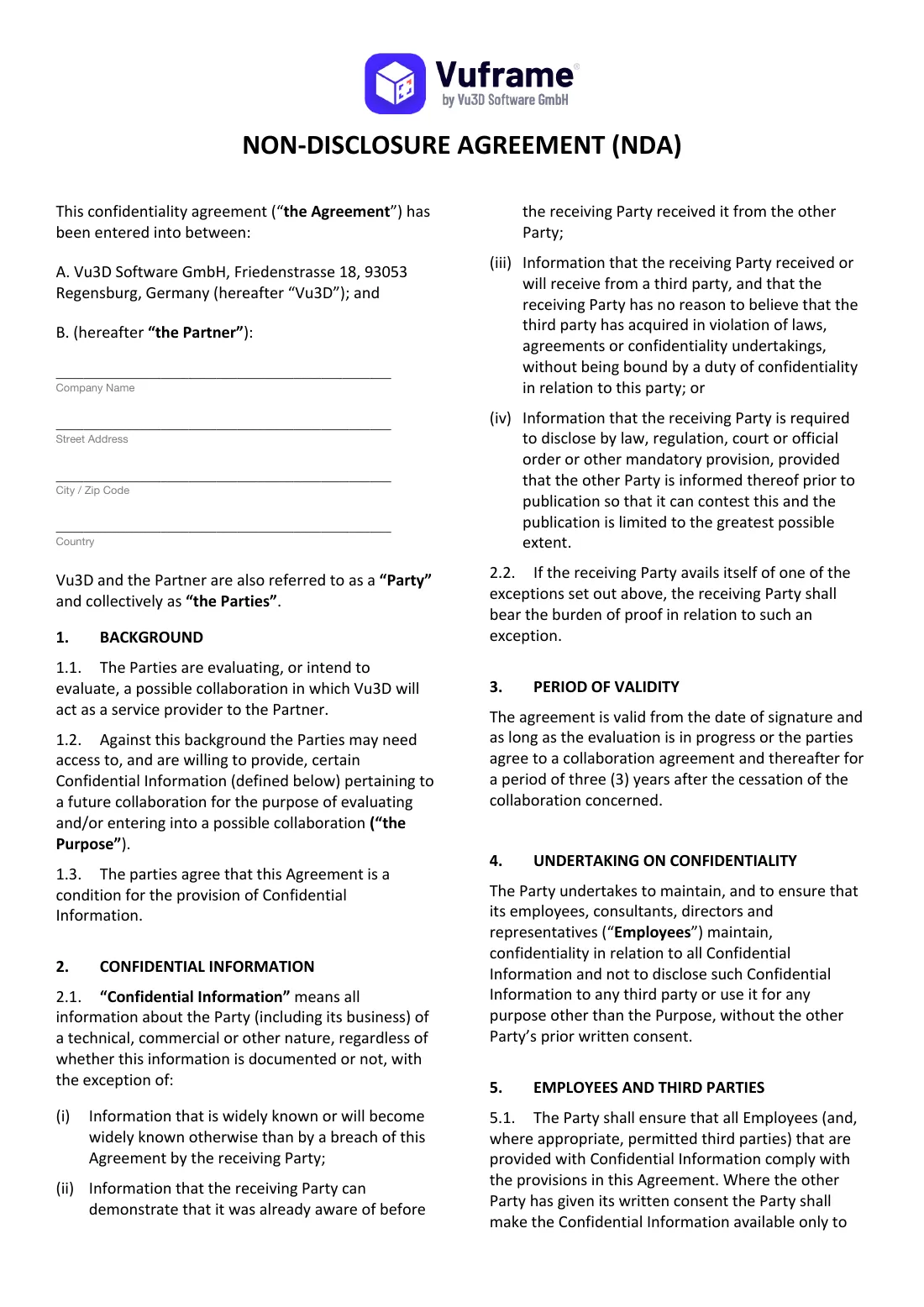
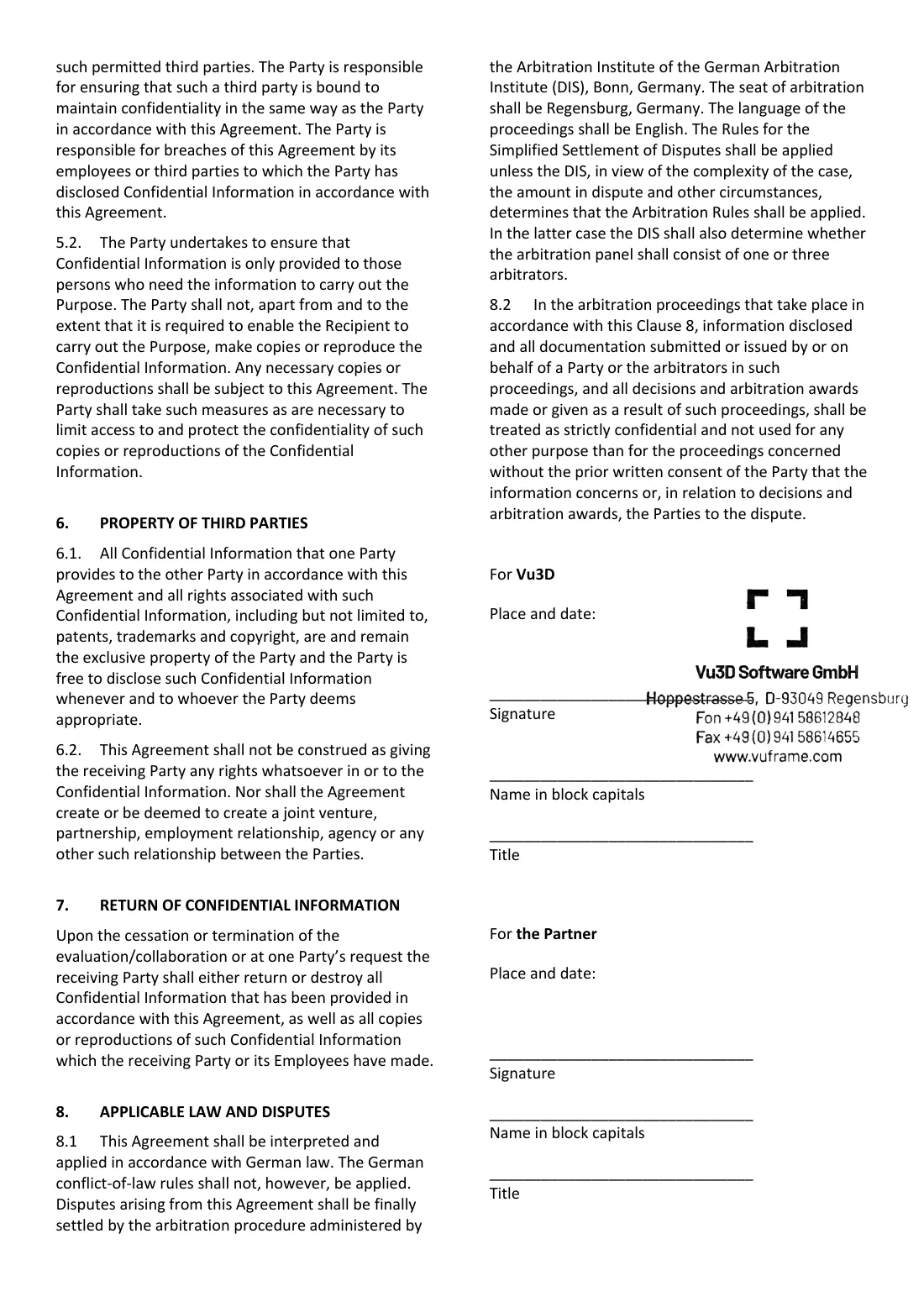
Before we send confidential documents, we sign a non-disclosure agreement with you. Choose the language and read the agreement. Then you create the agreement with your details and sign online.
Language of the agreement
How it works
- Create the agreementYou enter your details. PandaDoc creates the agreement from them. This is not the signature yet.
- SignThe agreement opens for signature at once. You also get an e-mail with the link to the agreement, so you can sign later.
- CountersignatureWe sign the agreement too. Then you get an e-mail, and the final PDF is ready.
- Request the documentsWith the signed non-disclosure agreement, request the documents.